
Tracking vehicle/phone location in Live Tracker
Track vehicle
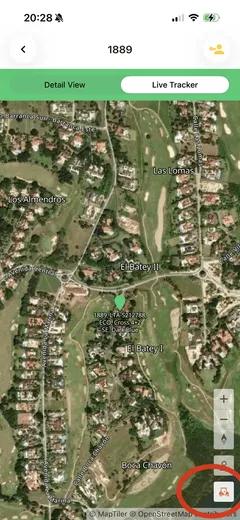
Section titled “Track vehicle”If you go to the live tracker of a individual vehicle you will go the the vehicle location. If the vehicle moved out of screen you can click on the vehicle symbol (vehicle symbol will go orange). If you click on the same button it will flicker orange and will track the vehicle.
Track Phone
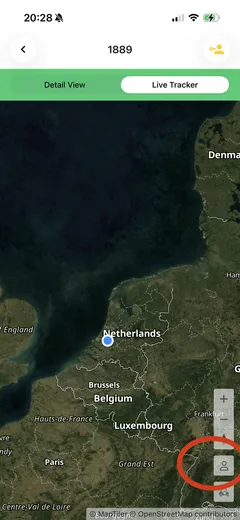
Section titled “Track Phone”If you click on the phone symbol (it will turn orange) you will go to your own location. If you click a second time you will track your own location (symbol will flicker orange).
Still need help? Email info@ecoplaneta.com or visit ecoplaneta.com.
Privacy policy