
Access Keys Overview
Please note that this overview is only available if you have the correct Access Key. Please see this overview to see if you have access to this feature.
Webapp Overview
Section titled “Webapp Overview”Garage > Select a vehicle > Scroll down > click Access Keys
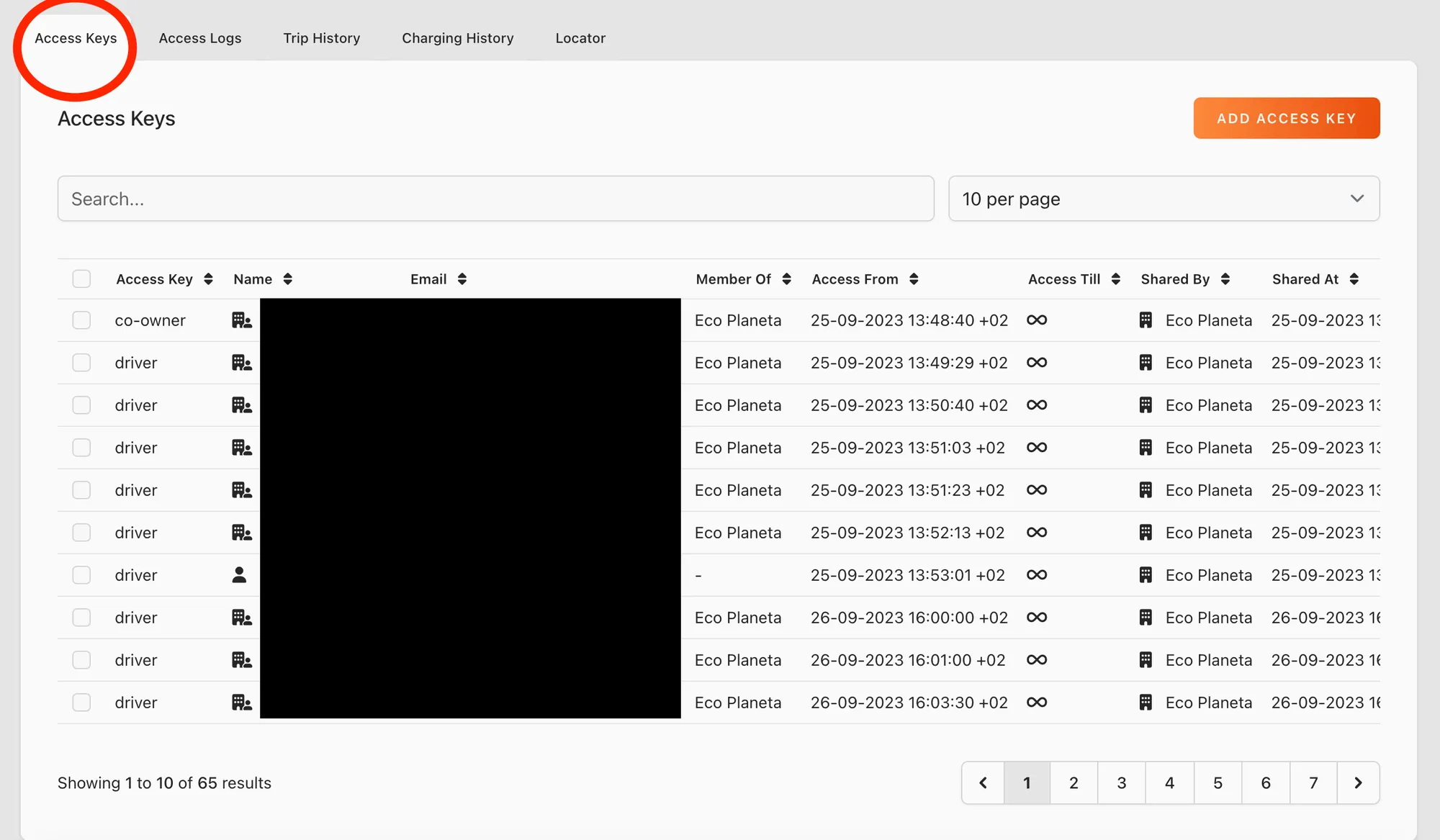
In this overview you can see all the access keys related to the vehicle. You can see who has access, who has created the acces key and which type of access key.
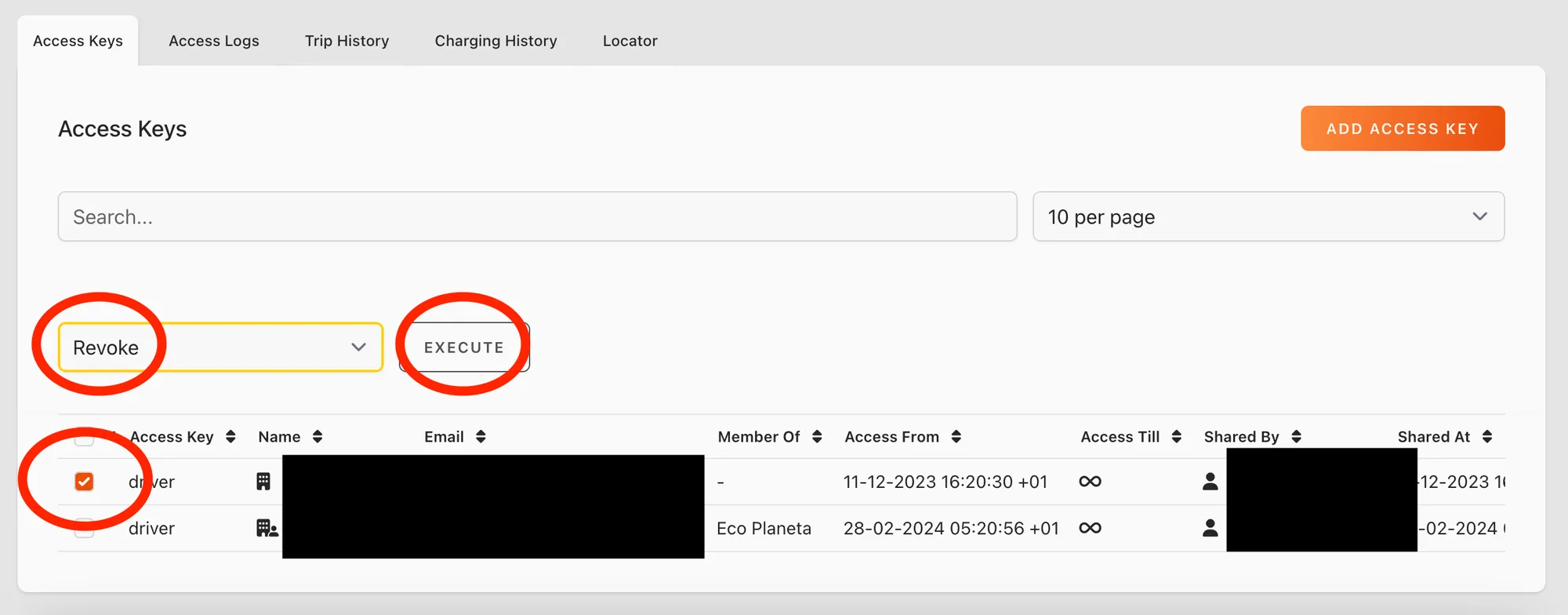
If you want to revoke certain keys you can do that from this view as well. You can select one or more access key, select revoke and then click execute.
Mobile App Overview
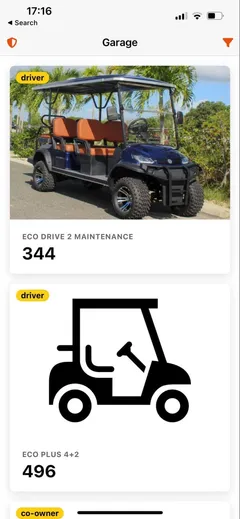
Section titled “Mobile App Overview”Garage > Click on a Vehicle > Click on share button right top corner
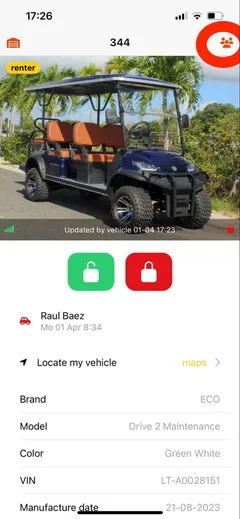
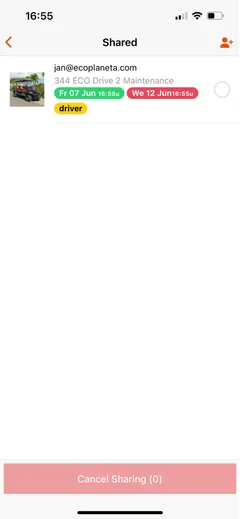
If you want to cancel sharing select one or more access keys and click on cancel sharing.
Still need help? Email info@ecoplaneta.com or visit ecoplaneta.com.
Privacy policy