
Live Tracker
The Live Tracker feature is available for all access keys.
Webapp
Section titled “Webapp”Garage > Click on a vehicle > Click on Live Tracker
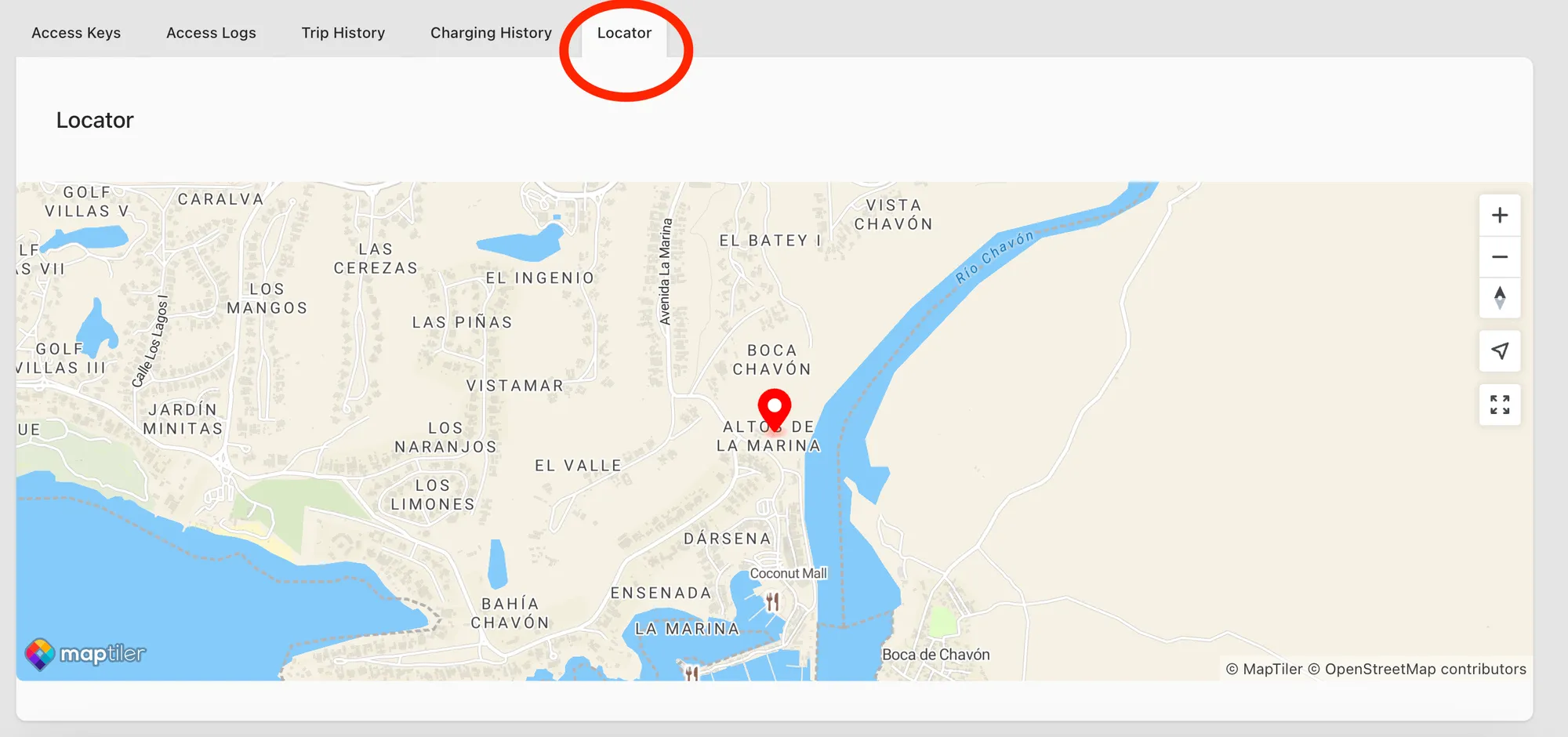
In each Vehicle Information page you can find the tab Live Tracker. With the locater you can find the current location (or last known) of the vehicle.
If the icon marker is green, that means that the vehicle is unlocked. If the icon marker is red, that means the vehicle is locked.
Mobile App
Section titled “Mobile App”Garage > Click on a vehicle > Live Tracker
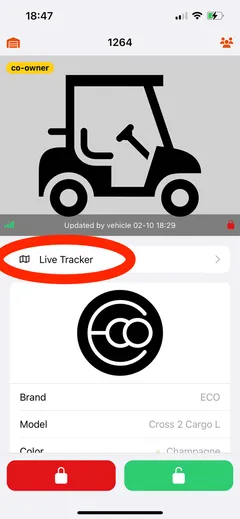
If you click on the Live Tracker button you will see a map with the live location of your vehicle.
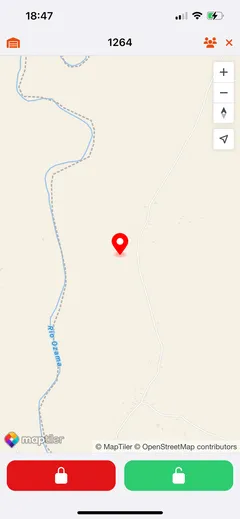
Please note: Your vehicle will only show up in the live tracker if it send at least one location report.
Still need help? Email info@ecoplaneta.com or visit ecoplaneta.com.
Privacy policy