
Garage Live Tracker
Webapp
Section titled “Webapp”Garage > Click on Live Tracker
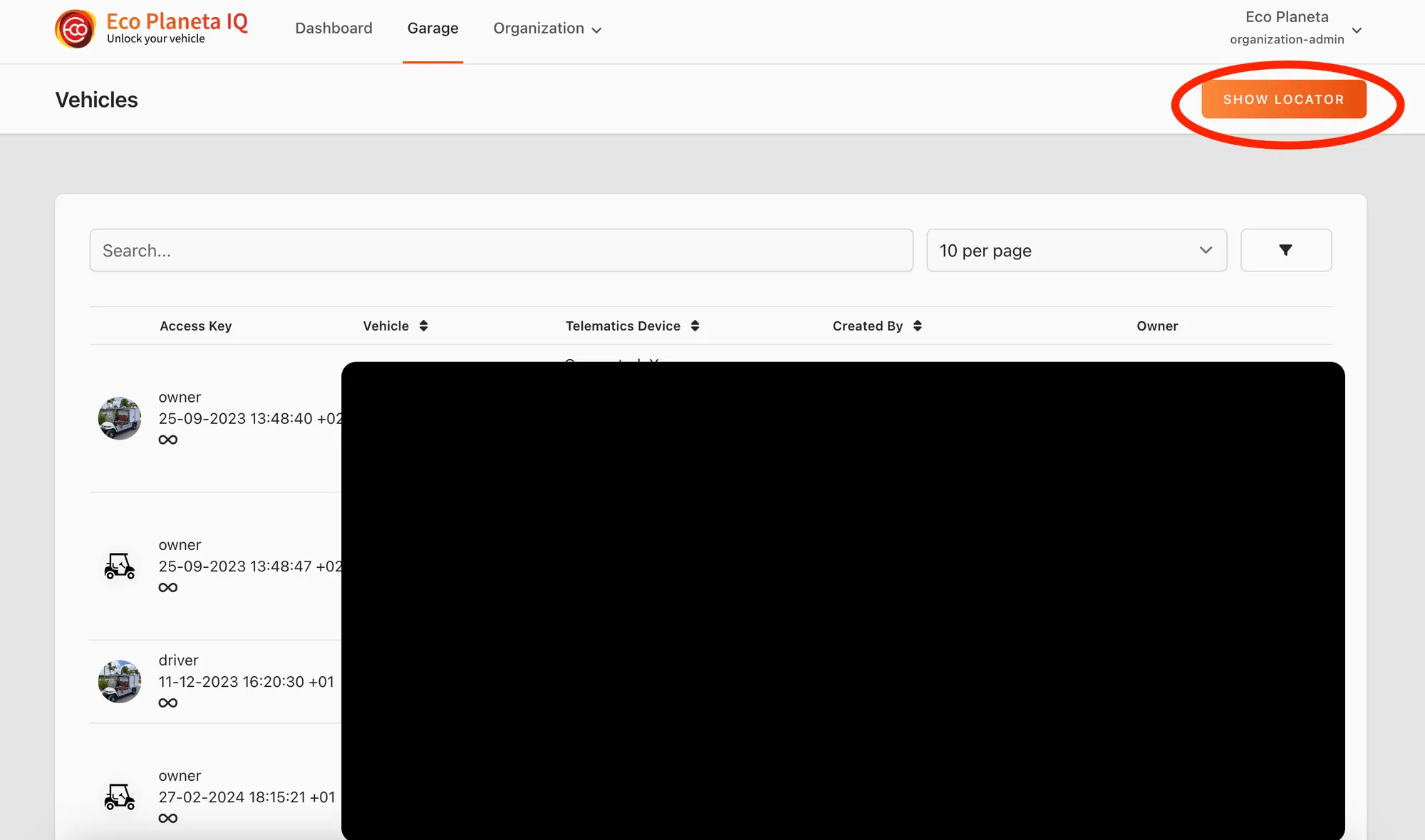
In the Live Tracker Overview you will see all vehicle plotted on the map. If you use the search bar you can filter the map based on your input.
If you click on one of the vehicle markers in the map, you get a popup with the master data of the vehicle. If you click on this popup you will go to the specific vehicle page.
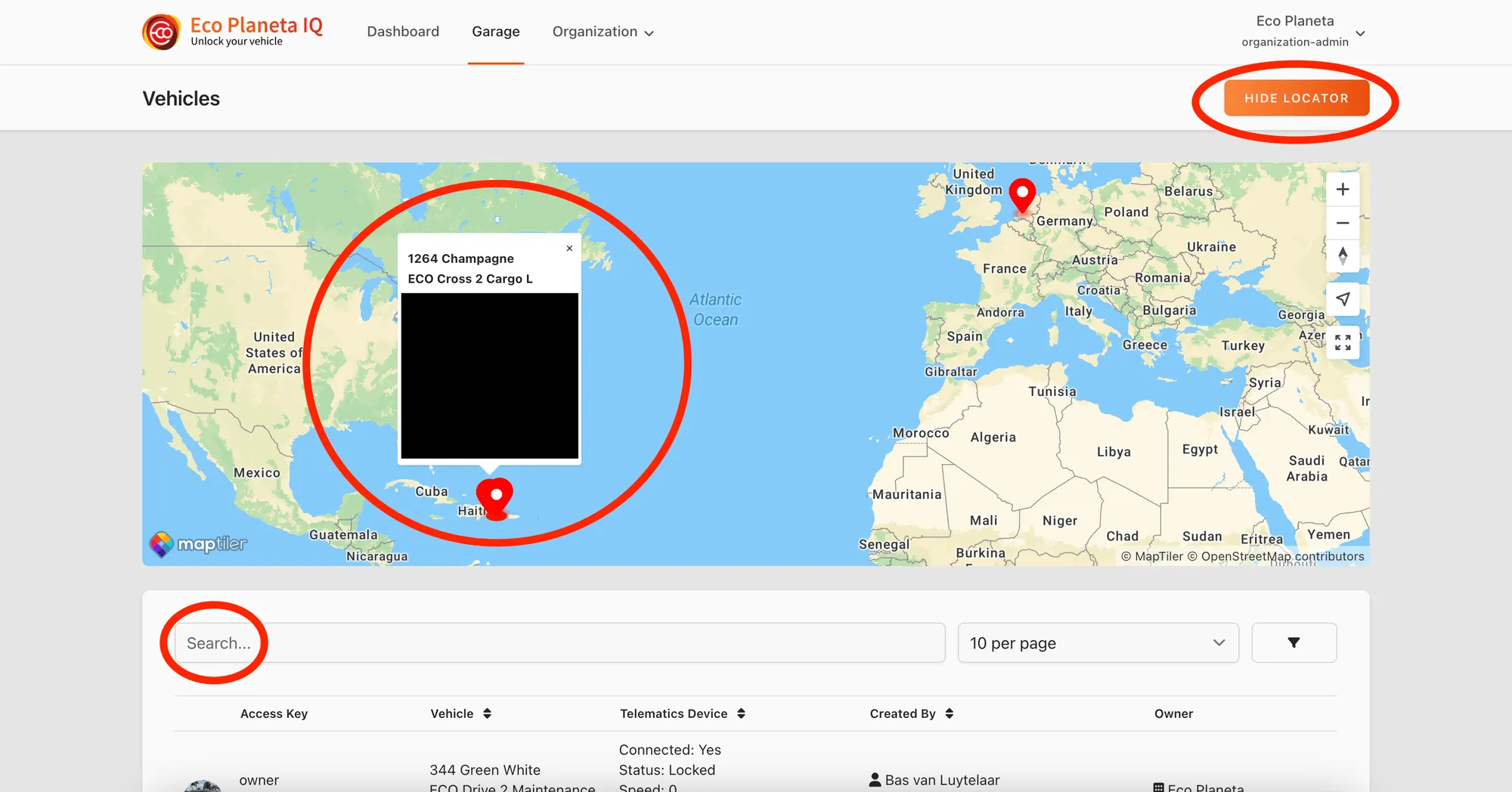
If you click on the Hide Locator button, the map will disappear again.
The locator feature is available for all access keys.
Mobile App
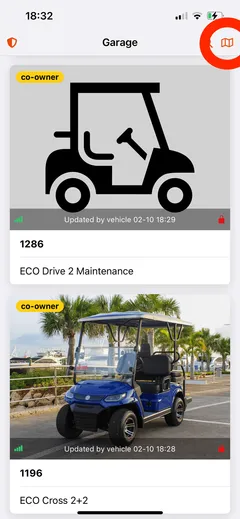
Section titled “Mobile App”Garage > Click map icon
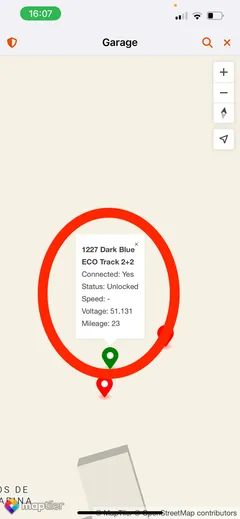
If you click on the map icon, a map will appear with the live locations of all your vehicles.
You can also use the search bar in the top right corner to filter the map with only the vehicles that you are searching for.
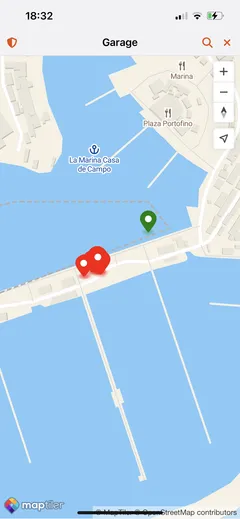
If you click on the map marker you will see a popup with more information about the vehicle. If you click on the popup you will go to the Vehicle Information Page of that specific car.
Please note: Your vehicle will only show up in the live tracker if it send at least one location report.
Still need help? Email info@ecoplaneta.com or visit ecoplaneta.com.
Privacy policy