
I forgot my pin and I cannot login
If you enabled persistent login, but forgot your pin. No problem. We will explain how you can reset your pin.
-
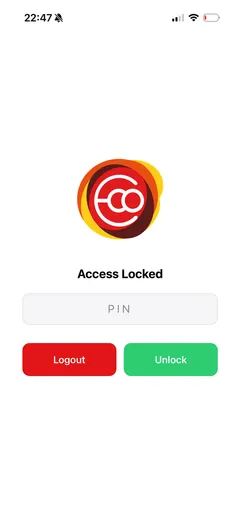
Open the app and click on logout. See image below.
-
Login again. This will reset the pin.
-
Click on account right hand corner below.
-
Select Pin and configure pin and you are done!
Still need help? Email info@ecoplaneta.com or visit ecoplaneta.com.
Privacy policy